Hi Photoroom API team,
I’m using Image Editing v2 (Plus plan):
POST https://image-api.photoroom.com/v2/edit
Docs: https://www.photoroom.com/api/docs/reference/bdfb80d8bcd00-image-editing-v2-plus-plan
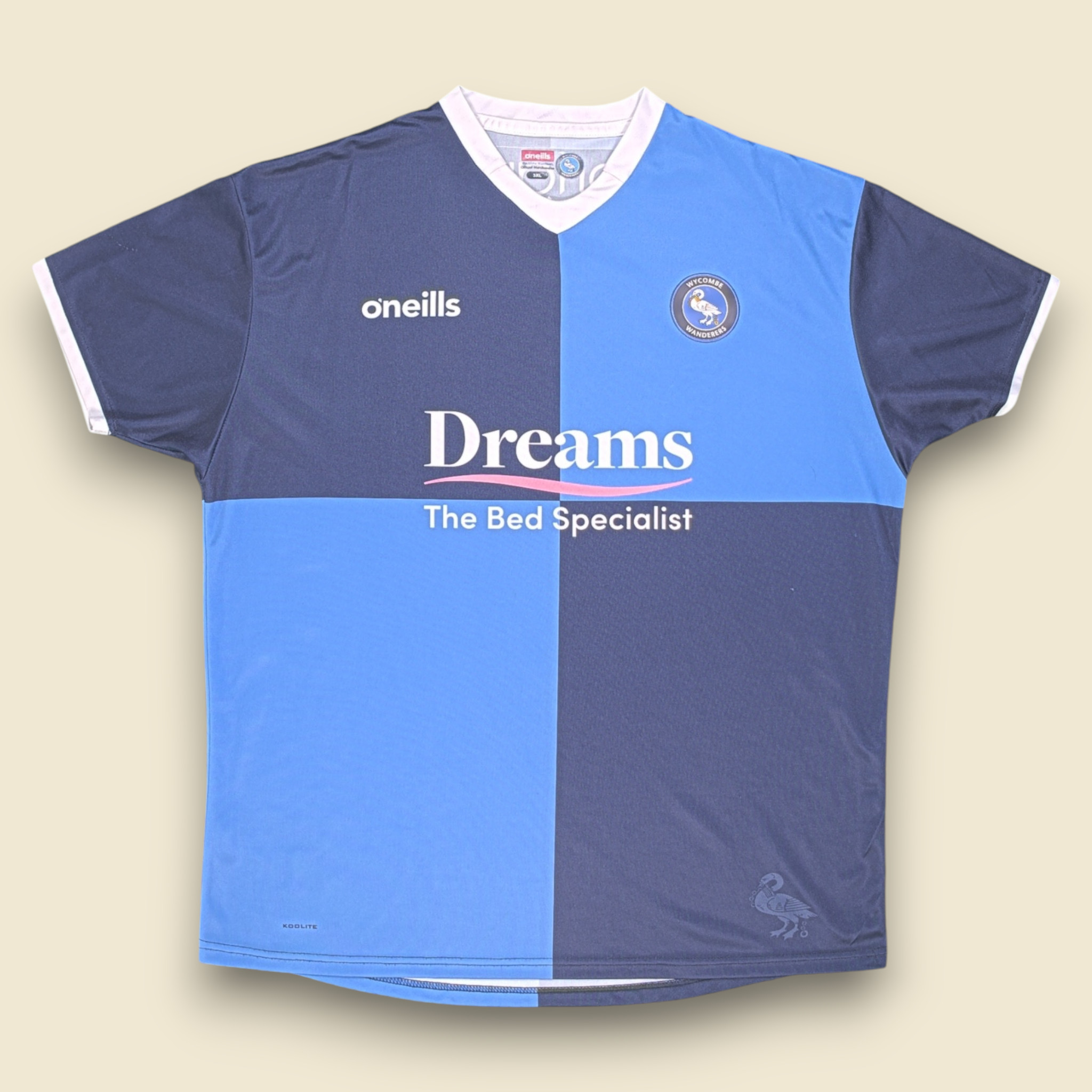
Right now the API has shadow.mode (ai.soft | ai.hard | ai.floating), but it doesn’t work well for flat-lay clothing images. In the PhotoRoom web editor, the Shadows section instead has:
- an on/off toggle, and
- an intensity slider,
which is exactly what we need.
Proposal
Would it be possible to expose the same controls via the API? For example:
curl -X POST https://image-api.photoroom.com/v2/edit \
  -F "shadow.enabled=true" \
  -F "shadow.mode=default" \
  -F "shadow.intensity=0.75"
This would let us cleanly enable/disable shadows and tune their strength, while still leveraging PhotoRoom’s AI-generated shadows.
Questions
- Is there currently a way (documented or not) to replicate the web editor’s toggle & intensity via API?
- If not, could this be added—or is it already on your roadmap?
Happy to provide flat-lay sample images if helpful.
Best regards,
ET
Hi there,
Thank you for providing this feedback. If you could provide examples of the desired output, that would be really useful to share with our machine learning team.
Thanks in advance for this!
Best,
“An error occurred: Sorry, new users can only put one embedded media item in a post.”
I can’t provide you any images. Please read the post carefully it is perfectly clear what is needed.
Follow-up: Shadow Controls in API
Hi Photoroom Team,
I’m following up on my earlier request about adding shadow toggle/intensity controls to the API (similar to what’s available in the web editor).
This would be really useful for flat-lay clothing images where the current shadow.mode options aren’t flexible enough.
Best,
ET Dev Team
Hi there,
We’ve provided this as feedback to our Machine Learning team for future considation. Currently you can leverage the API for soft, hard, or floating shadows - or an alternative method would be going the route creating a template in our Webapp and setting a non AI Shadow in the template and then use the template id in the API, normally the shadow should be there as configured in the template (noting that you cannot set the parameter of that shadow via the parameters of the API -That can only be done inside the template on the app).
We appreciate you sharing this as feedback and will be in touch if we have any updates on this.
best,